 教學範例《17》…多媒體動畫程式製作

 表單設計與程式執行:
| 表單設計 |
|---|
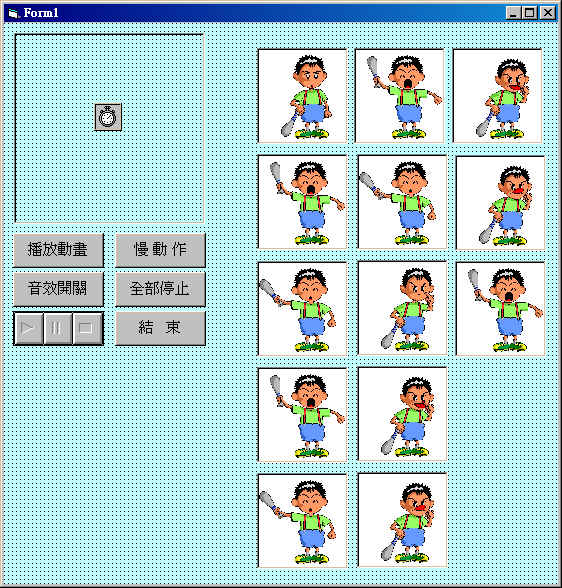 縮小Form1的範圍,將Image1(0)∼Image1(12)隱敝起來。 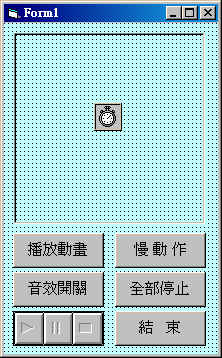
|
| 執行畫面 |
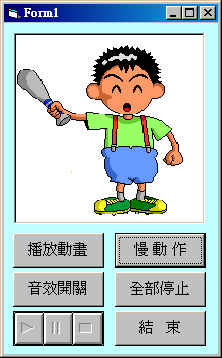  |
控制項屬性資料:
 程式碼列表:
Public I, Snd As Integer Private Sub Command1_Click() Timer1.Interval = 80 End Sub Private Sub Command2_Click() Snd = 1 - Snd End Sub Private Sub Command3_Click() Timer1.Interval = 400 End Sub Private Sub Command4_Click() Timer1.Interval = 0 End Sub Private Sub Command5_Click() End End Sub Private Sub Form_Load() Image2.Stretch = True Image2.Picture = Image1(0).Picture End Sub Private Sub Timer1_Timer() If Snd <> 0 Then Call Oops I = I + 1 If I > 13 Then I = 1 Image2.Picture = Image1(I - 1).Picture End Sub Sub Oops() MMControl1.Command = "Close" MMControl1.Notify = False MMControl1.Wait = False MMControl1.Shareable = False MMControl1.DeviceType = "WaveAudio" MMControl1.FileName = "Oops.wav" MMControl1.Command = "Open" MMControl1.Command = "Play" End Sub |
程式解說:
|
 學習重點:
學習重點: